
Quick answer
Key takeaways
- Automate stable, repeated coordination steps before complex judgment
- Configure owners, required evidence, deadlines, and exception paths together
- Measure cycle time, missed handoffs, and rework before expanding the workflow
Choose a workflow worth automating
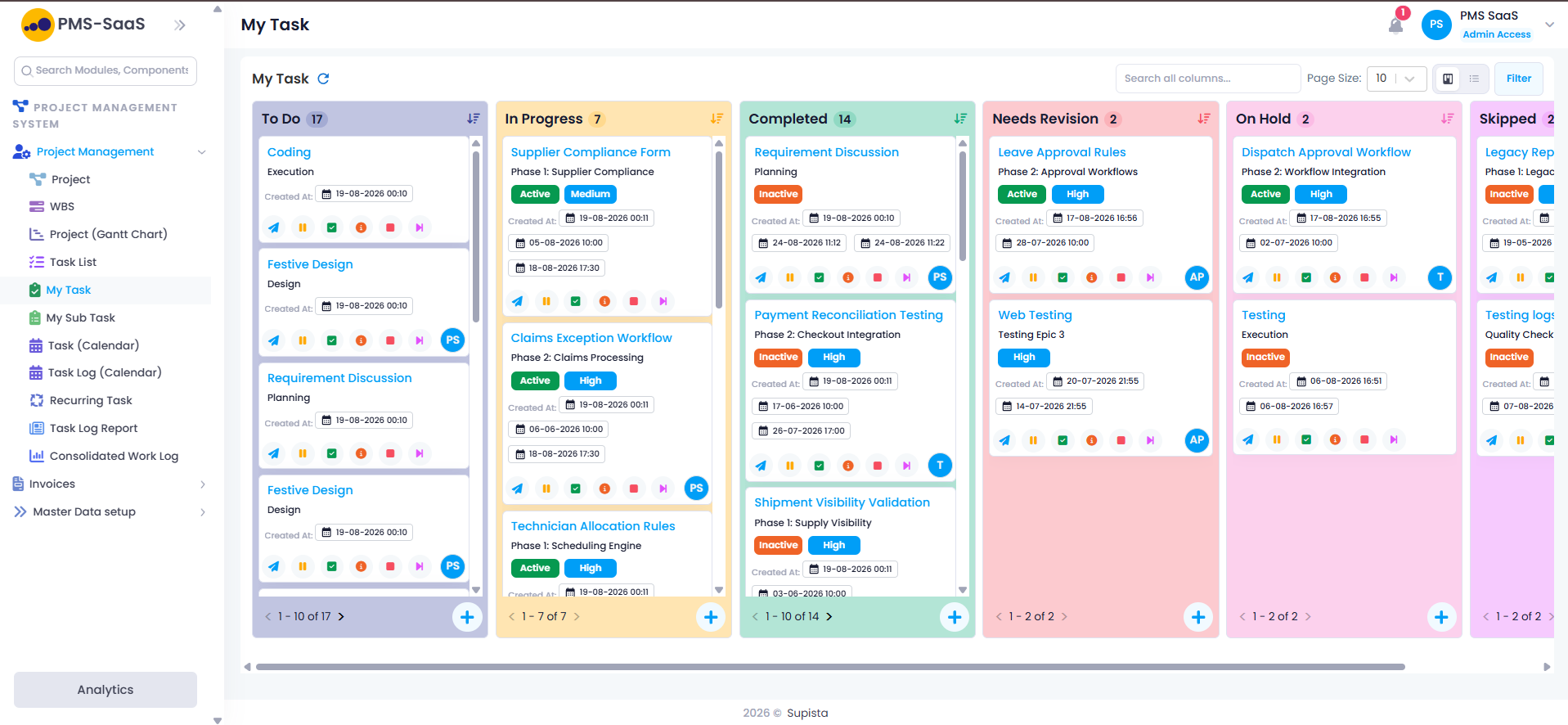
Start where work repeats, rules are clear, and delays create visible cost. Supista Projects can support status reminders, approval routing, milestone gates, document checks, recurring tasks, and handoffs.
- Frequent enough to measure
- Stable enough to define
- Important enough to improve
- Owned by a clear process lead
Follow a six-step implementation playbook
Keep the first Supista Projects configuration narrow. A workflow the team understands creates a sound foundation for later stages and rules.
- Map the current journey
- Remove unnecessary steps
- Define fields and decision rules
- Configure owners, alerts, and escalations
- Pilot with one delivery team
- Measure, refine, and scale
Design for exceptions, not only the happy path
Projects change. Configure controlled paths for rejected approvals, unavailable owners, scope changes, urgent work, and missed dependencies.
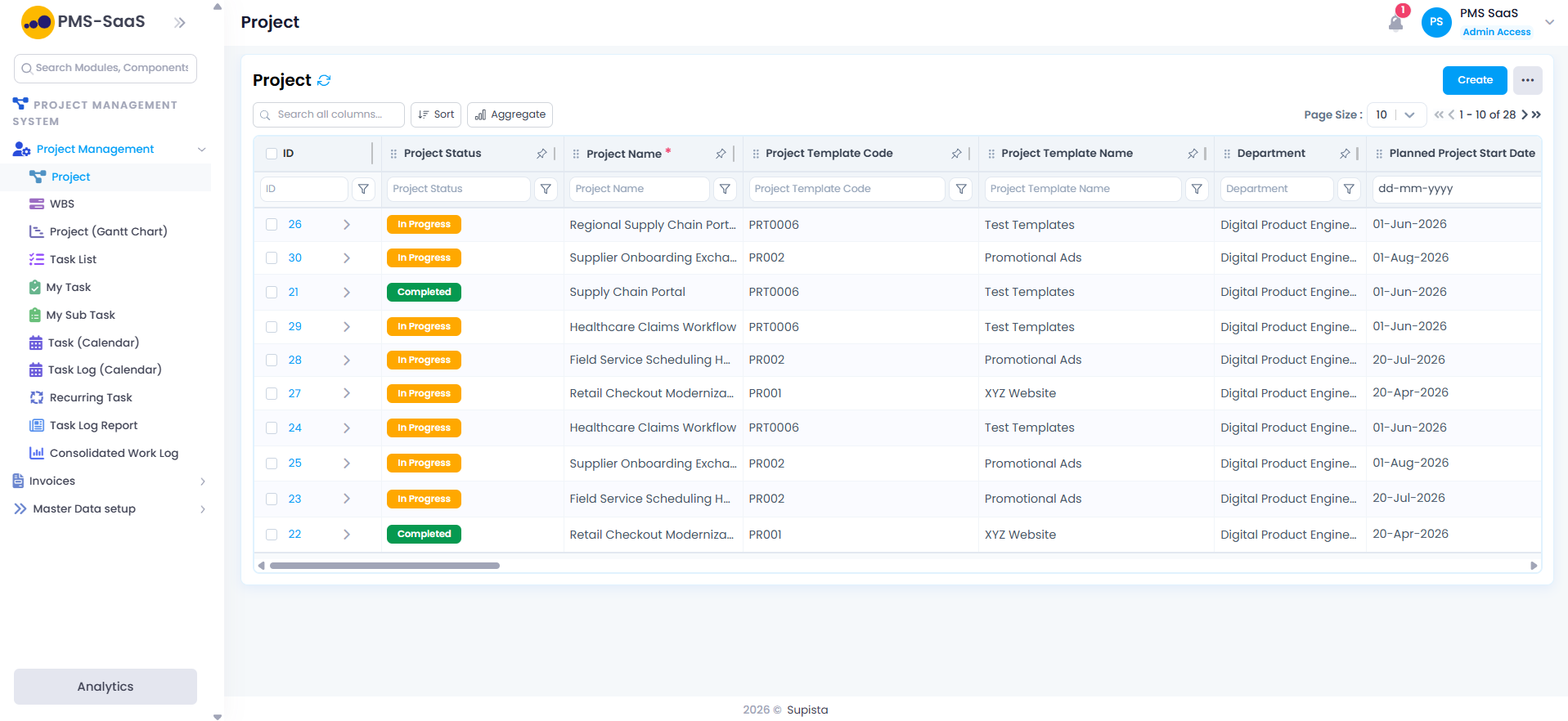
Make each exception visible in Supista Projects and assign the next decision. Hidden workarounds weaken delivery visibility and the audit trail.
- Route rejection back with a reason
- Delegate when an owner is unavailable
- Require approval for scope changes
- Escalate missed deadlines by severity
- Keep urgent overrides traceable
Measure workflow outcomes, not logins
Login counts do not prove value. Compare approval cycle time, overdue handoffs, rework, manual follow-ups, and on-time milestones before and after the Supista Projects rollout.
- Baseline the current cycle time
- Count manual follow-ups
- Track rejection and rework reasons
- Review overdue handoffs
- Compare on-time milestone rates
Clear answers
Frequently asked questions
What project workflows should be automated first?
Begin with repeated approval routing, overdue reminders, stage-gate checks, status summaries, and predictable handoffs.
Does workflow automation remove human approvals?
Not necessarily. It can route decisions, provide context, enforce thresholds, and record outcomes while authorized people retain approval control.
Put the guide into practice
Control delivery without adding reporting work
Connect plans, owners, approvals, budgets, workloads, and risks in Supista Projects.