
Site updates arrive late
DPRs, photographs and quantities remain in messages or spreadsheets until the review has passed.
Construction ERP software for contractors
Bring DPRs, labour, materials, purchases, expenses, measurements, subcontractors and client bills into one current project view. Spot site delays and billing gaps before they restrict cash flow.
The operating gaps
Disconnected records hide the issue until schedule, cost or billing is already affected.
DPRs, photographs and quantities remain in messages or spreadsheets until the review has passed.
Receipts and issues are recorded without linking consumption to completed work.
Site purchases, advances and labour costs reach finance after package budgets are affected.
Completed work waits for evidence, joint measurement, approval or bill preparation.
Supista connects every site update to the same project, activity, cost head, contractor and billable quantity.
Connected operating lifecycle
Teams work in their own context while management retains one traceable project view.
Controls that answer real questions
Daily control
Compare planned and actual quantities with labour, equipment, delays and evidence.
Explore this workflow →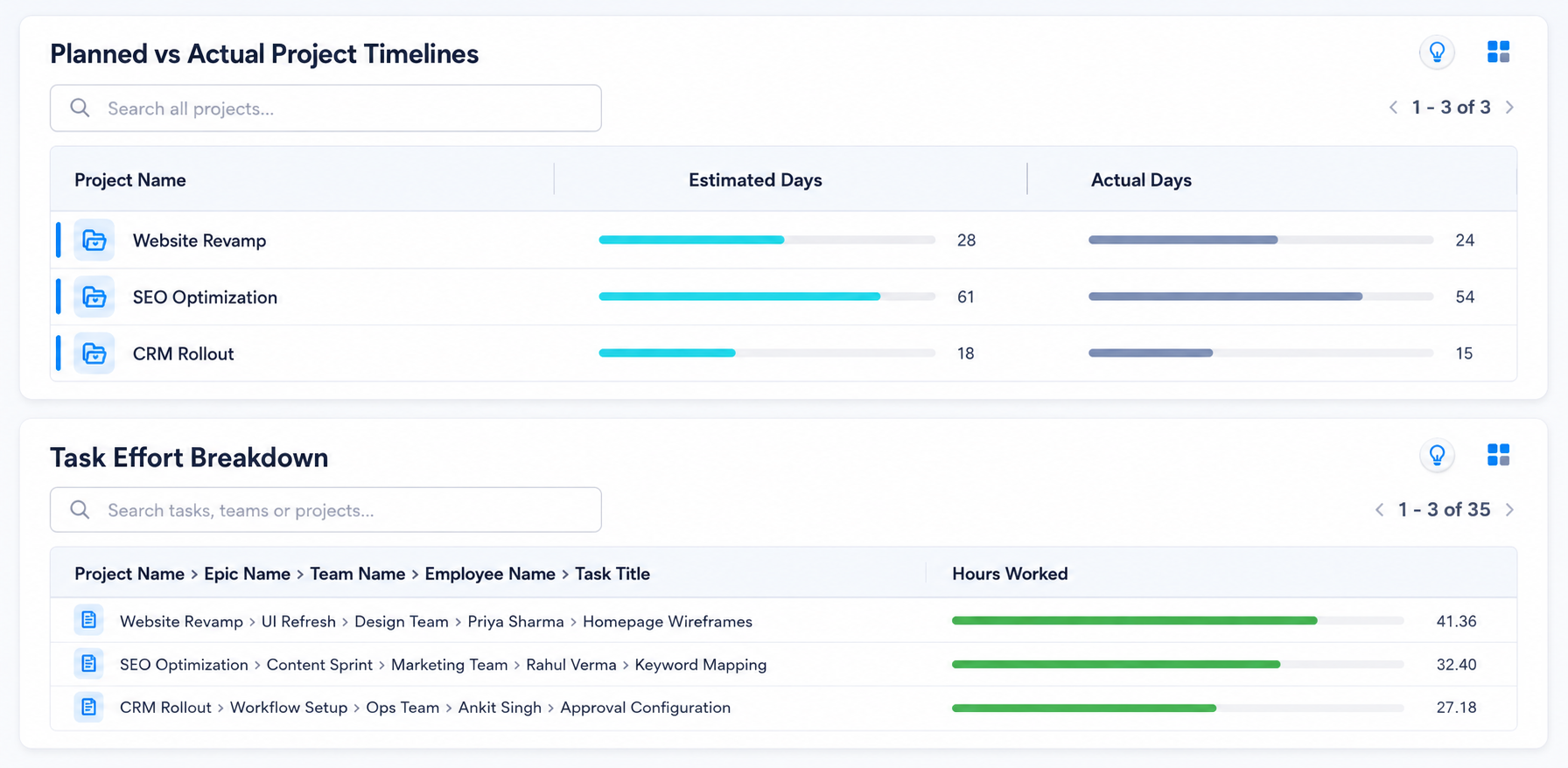
Material use
Track requests, receipts, issues, returns and consumption against activities.
Explore this workflow →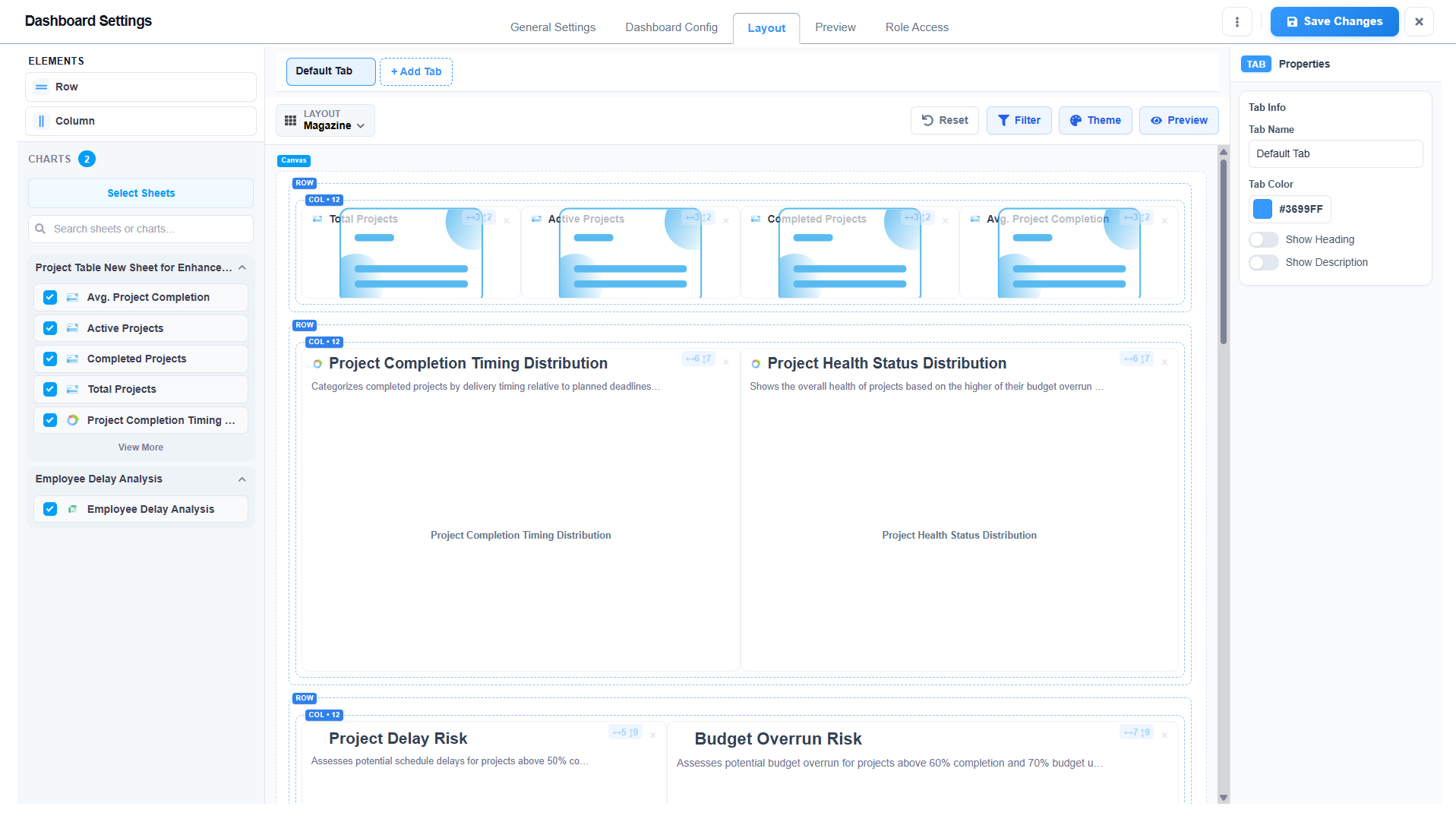
Commercial control
Keep quantities, evidence, approvals, deductions and RA bills connected.
Explore this workflow →Cost visibility
Combine purchase commitments, site expenses and subcontract bills by cost head.
Explore this workflow →Field-to-office visibility
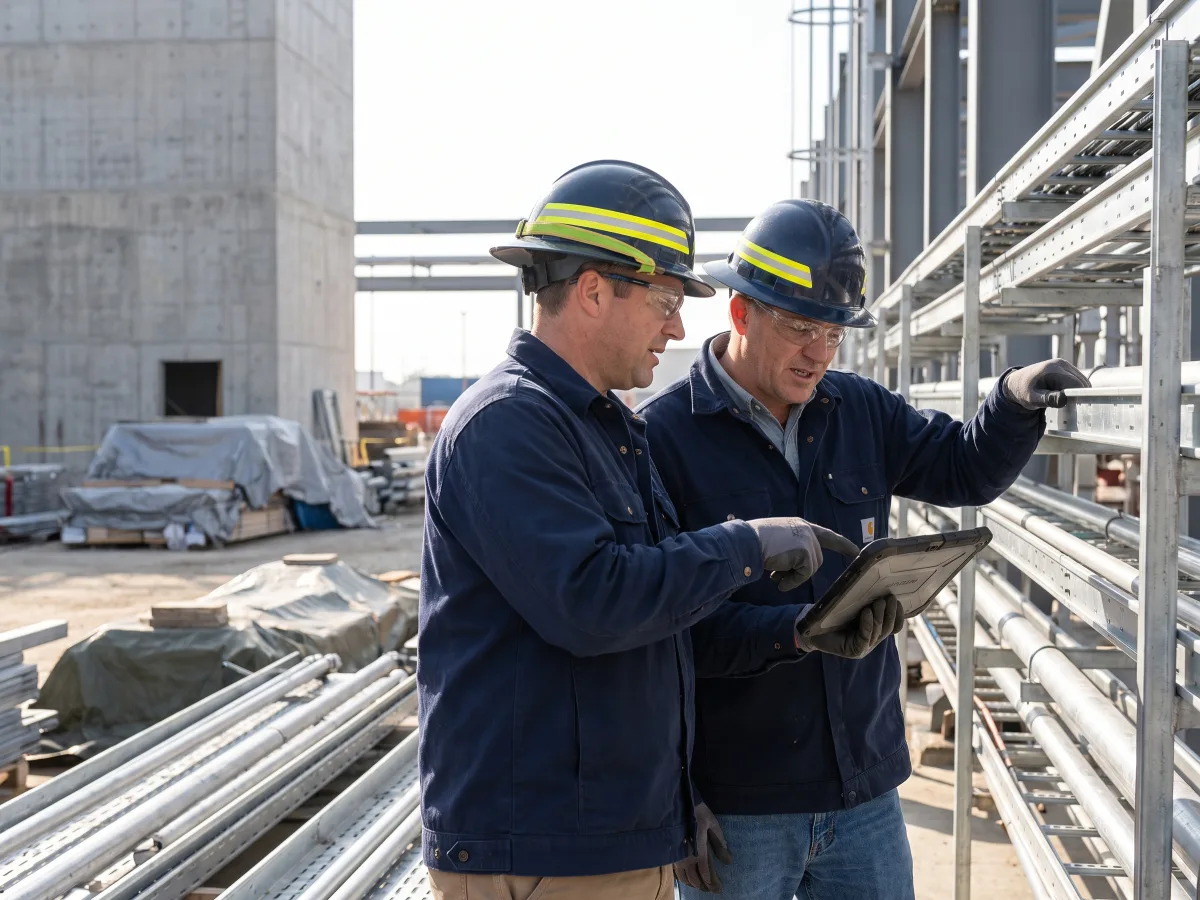
Capture progress, materials, resources, delays and photographs in configured mobile workflows. Reviewers see the project context without chasing another report.
Lois AI inside the ERP
Use natural language without bypassing roles, mandatory fields or approvals.
“Which sites missed yesterday’s planned quantities?”
“Prepare today’s DPR from these updates and photographs.”
“Show material issued without matching progress.”
“Which measurements are ready for client approval?”
“List unsettled advances and site expenses.”
“Show completed work that has not been billed.”
Human approval stays in control. Lois uses authorised records, previews important actions and follows your approval matrix.
Explore Lois AI →Role-based visibility
Everyone works from the same project records with access shaped by responsibility.
| Role | What Supista shows |
|---|---|
| Business owners | Portfolio margin, cash exposure and delayed billing |
| Project managers | Programme progress, blockers and package cost |
| Site engineers | Today’s activities, requests, receipts and DPR actions |
| QS and commercial teams | Measurements, variations, RA bills and retention |
| Stores teams | Site stock, issues, returns and consumption |
| Finance teams | Commitments, actual cost, advances and collections |
Representative workflow
This illustrates the configured workflow, not a claimed customer result.
DPRs, store registers and measurement sheets are maintained separately.
Site quantities, material movement, costs and bills share one project structure.
Teams can follow completed work from field evidence to approved billing.
Configuration and implementation
Keep your approved terminology, formats and controls while standardising connected project data.
Import BOQ, WBS and project masters
Configure DPR and measurement formats
Set site purchase and advance limits
Recreate contractor billing rules
Assign project and site access
Connect accounting records
Build management dashboards
Pilot one active project
Start with one real workflow
Review current allowances, implementation scope and enterprise options.
Evaluation questions
It connects project structure, budgets, procurement, materials, site work, contractors, billing and cost in one controlled operating system.
Yes. Supista can compare budgets, commitments, actual cost, billing and collections by configured project, package, WBS and cost head.
Yes. Configured mobile forms can capture daily progress, resources, materials, delays, expenses and photographs with approval routing.
Yes. Forms, fields, terms, roles, financial limits, dashboards and approval paths can be configured around the agreed operating process.
Supista can exchange approved project, vendor, billing and financial records with existing systems. The exact integration scope is confirmed during implementation.
Lois works with authorised records, previews important actions and follows the user’s permissions and existing approval matrix.
See your process, not a generic tour
Bring planning, procurement, material control, site reporting or billing. We’ll map it inside Supista and show how the handoffs can work.
Book a free strategy session with our Automation Experts and discover how Supista’s AI-Composable ERP can transform your operations into a scalable and intelligent system.