
Drawing revisions miss buying
Changed routing or quantities do not update purchase and installation requirements.
MEP contractor ERP software
Connect drawings, BOQ quantities, approvals, procurement, material readiness, installation progress, testing and billing. See the constraint before it stops the next crew.
The operating gaps
Disconnected records hide the issue until schedule, cost or billing is already affected.
Changed routing or quantities do not update purchase and installation requirements.
Shop drawings, makes or technical submittals remain pending past required dates.
Equipment reaches site before readiness, while critical accessories stay missing.
Evidence, testing or joint measurement gaps postpone bills.
Supista links each service, zone, system, BOQ line and material requirement through installation and billing.
Connected operating lifecycle
Teams work in their own context while management retains one traceable project view.
Controls that answer real questions
Coordination
Keep revisions, quantities and affected packages visible to buying teams.
Explore this workflow →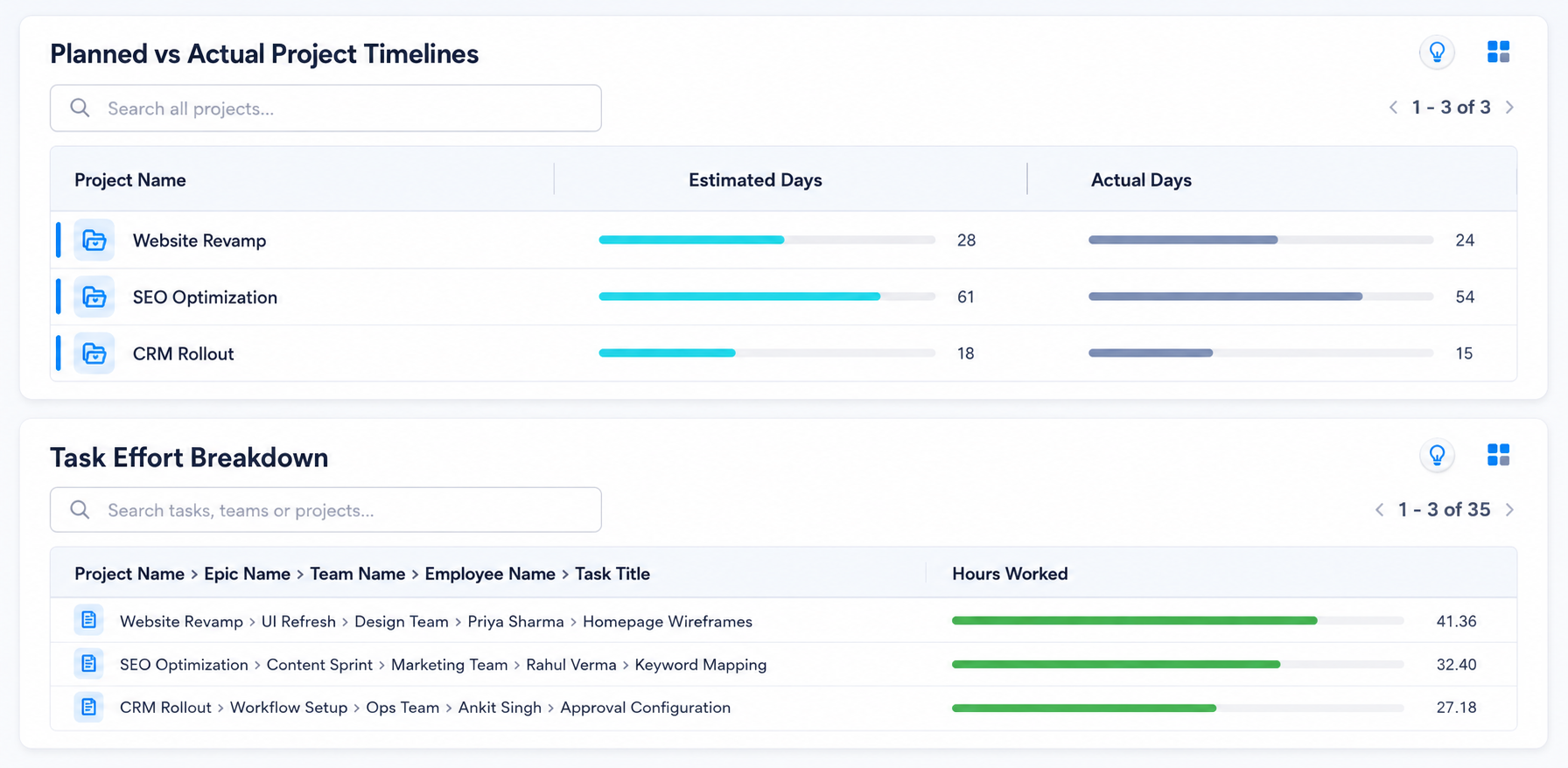
Material readiness
Track approvals, orders, inspections, deliveries and accessories by system.
Explore this workflow →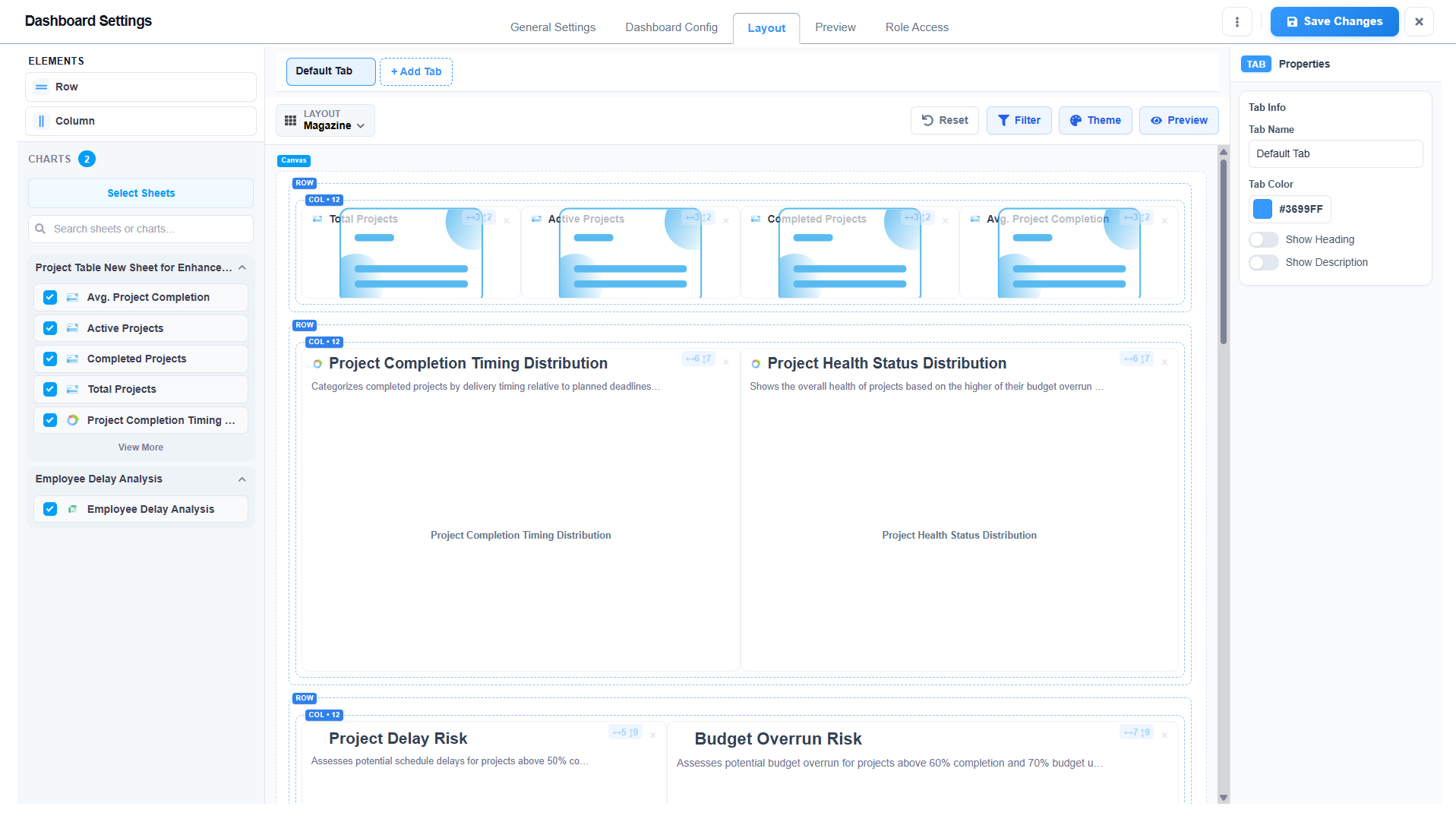
Field execution
Capture quantities, checklists, photographs, snags and commissioning status.
Explore this workflow →Commercial control
Reconcile measured quantities, variations, deductions and RA bills.
Explore this workflow →Field-to-office visibility
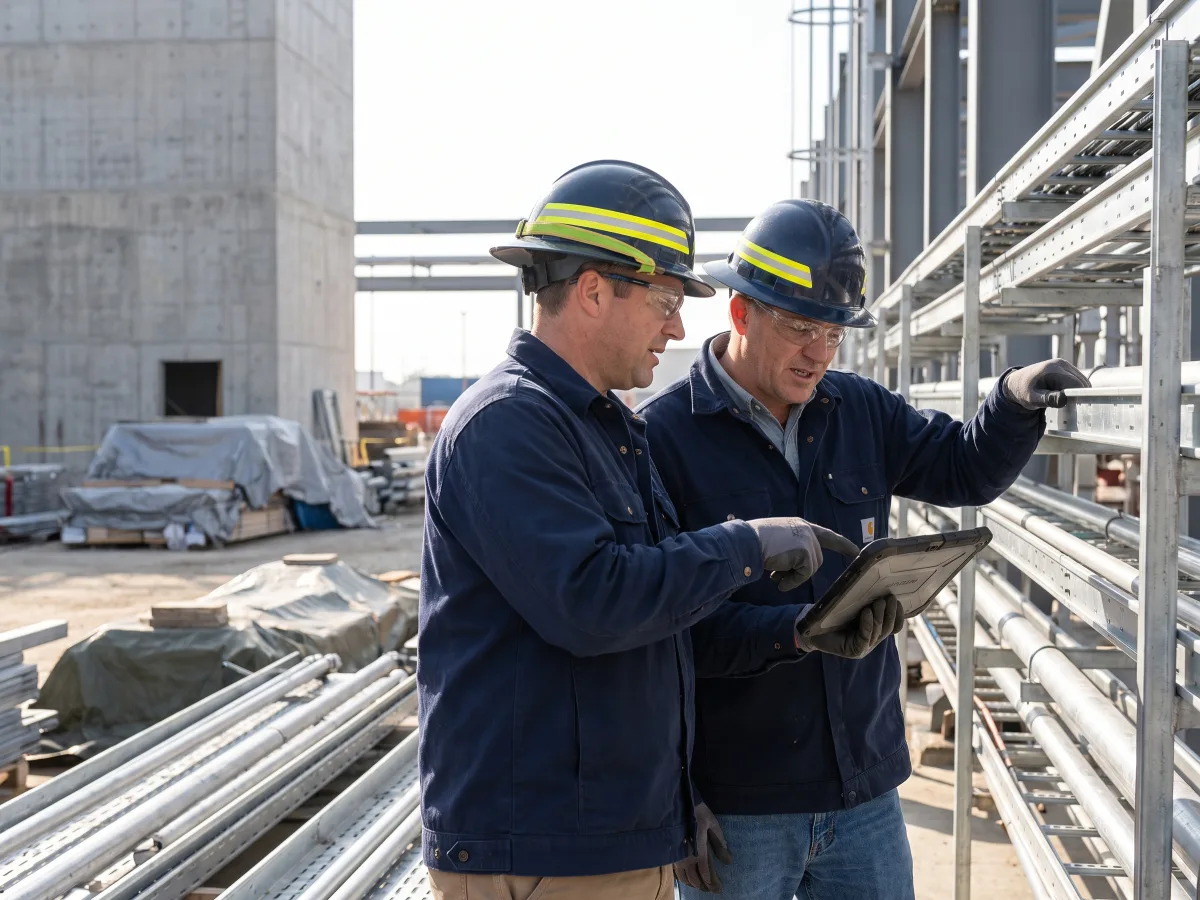
Capture progress, materials, resources, delays and photographs in configured mobile workflows. Reviewers see the project context without chasing another report.
Lois AI inside the ERP
Use natural language without bypassing roles, mandatory fields or approvals.
“Which MEP activities lack approved drawings?”
“Show long-lead items required in the next 30 days.”
“Compare quotations for the HVAC equipment package.”
“Which zones are ready for testing?”
“List installed quantities awaiting measurement.”
“Summarise open snags by system and owner.”
Human approval stays in control. Lois uses authorised records, previews important actions and follows your approval matrix.
Explore Lois AI →Role-based visibility
Everyone works from the same project records with access shaped by responsibility.
| Role | What Supista shows |
|---|---|
| MEP directors | Package margin, readiness and billing exposure |
| Design coordinators | Drawings, revisions, submittals and approvals |
| Planning engineers | System sequence, zone readiness and constraints |
| Procurement teams | Technical compliance, quotations and deliveries |
| Site engineers | Installation, testing, snags and DPRs |
| QS teams | Measurements, variations, RA bills and retention |
Representative workflow
This illustrates the configured workflow, not a claimed customer result.
Drawings, approval trackers and material logs use separate references.
Every system and zone carries the same package context into procurement and execution.
Teams can see which approval or item blocks installation and billing.
Configuration and implementation
Keep your approved terminology, formats and controls while standardising connected project data.
Import BOQ and system structures
Configure drawing and submittal registers
Set technical approval workflows
Map systems, zones and material makes
Configure testing and snag formats
Recreate measurement and billing rules
Connect accounting records
Pilot one MEP package
Start with one real workflow
Review current allowances, implementation scope and enterprise options.
Evaluation questions
It connects project structure, budgets, procurement, materials, site work, contractors, billing and cost in one controlled operating system.
Yes. Supista can compare budgets, commitments, actual cost, billing and collections by configured project, package, WBS and cost head.
Yes. Configured mobile forms can capture daily progress, resources, materials, delays, expenses and photographs with approval routing.
Yes. Forms, fields, terms, roles, financial limits, dashboards and approval paths can be configured around the agreed operating process.
Supista can exchange approved project, vendor, billing and financial records with existing systems. The exact integration scope is confirmed during implementation.
Lois works with authorised records, previews important actions and follows the user’s permissions and existing approval matrix.
See your process, not a generic tour
Bring planning, procurement, material control, site reporting or billing. We’ll map it inside Supista and show how the handoffs can work.
Book a free strategy session with our Automation Experts and discover how Supista’s AI-Composable ERP can transform your operations into a scalable and intelligent system.