
Supista✓
Cost and marginSee margin movement early
Control01
Signals03
ModeLive
Compare BOQ, budget, committed cost, actual cost, and progress in one view.
- BOQ revisions
- Budget controls
- Variance drill-down
AI ERP for EPC and construction teams
Lois AI connects planning, procurement, site execution and project finance. Ask what is slipping, why it matters and what your team should do next.
ISO/IEC 27001 certifiedAI through Microsoft FoundryNo customer data used for model training
What needs attention today?
Cable delivery risks energisation. Two completed items are ready to bill.
It connects every project record, then lets authorised teams ask questions, prepare work and act without bypassing approvals.
AI across one connected lifecycle
Lois reads the connected record to find gaps between what was planned, ordered, installed, billed and collected.
The controls that protect delivery
Connect scope, buying, materials, and billing so every exception has context, an owner, and a next action.
Compare BOQ, budget, committed cost, actual cost, and progress in one view.
Connect PR → RFQ → PO → GRN → Invoice → Payment with owners and approvals.
Track requests, receipts, transfers, issues, returns, and consumption by site.
Surface billable quantities, missing evidence, approval owners, and collection status.
Today on site
Do not wait for next week’s report or month-end accounts. Capture progress and site spend while the facts are current.
AI-guided Daily Project Report
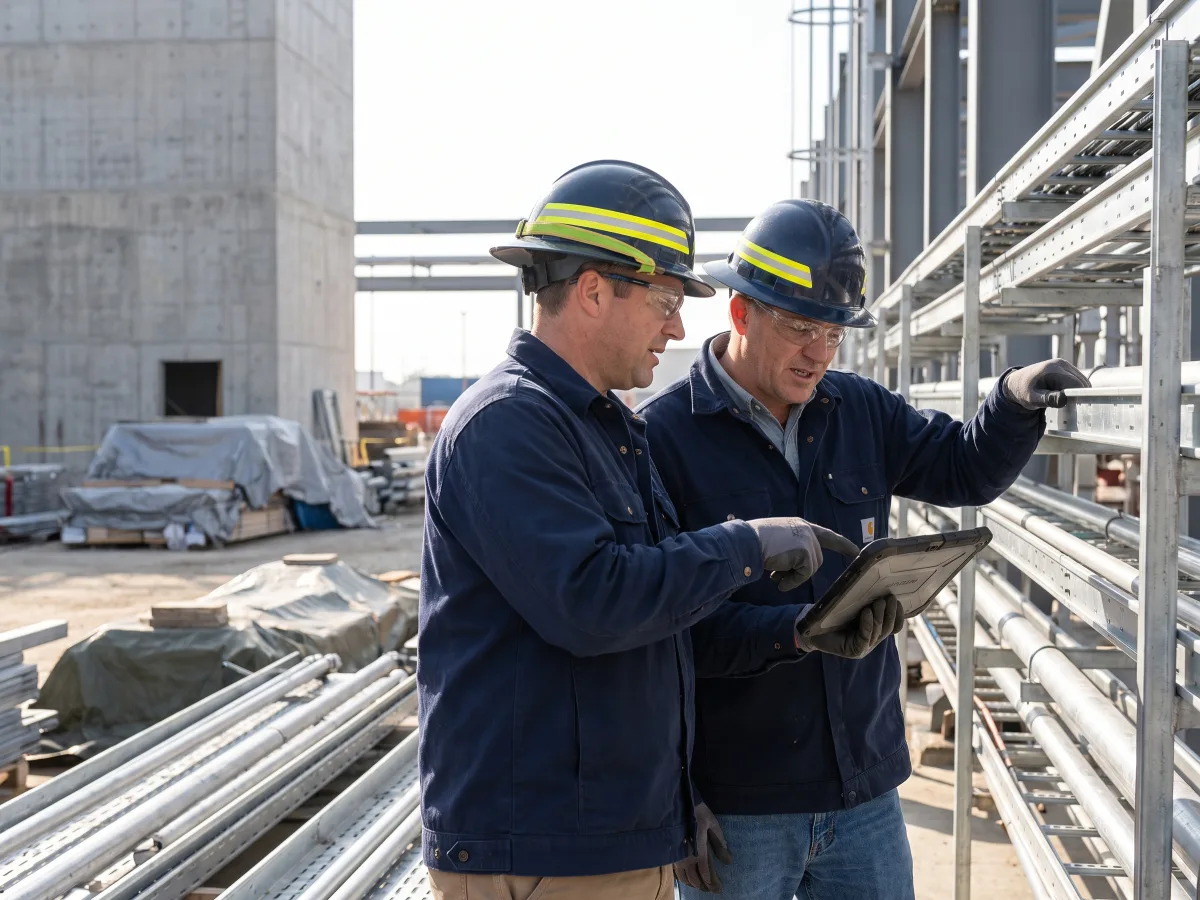
Tell Lois what happened. It asks for missing quantities, people, material, blockers and evidence before preparing the DPR.
Spot slippage early and keep evidence for progress reviews.
Learn more about Daily Project Reports →AI-assisted expense capture
Upload a receipt. Lois reads the details, asks for the project and cost head, then prepares the expense for approval.
See project spend sooner and close advances faster.
Learn more about project expenses →The DPR shows what the site achieved. The expense record shows what it cost.
AI ERP for everyday EPC work
Lois is the operating layer inside Supista. It reads authorised ERP context, asks for missing details and previews the record or answer before important work moves forward.
Learn more about Lois AI →Create a PR for 500 metres of 4-core cable for Riverside, required by 15 October.
Which cost head should I use?
Electrical materials.
Made to fit
Your projects do not work like every other company’s. Configure Supista around your cost heads, forms, roles and reports.
Choose the modules, forms and project structure.
Add roles, approvals, checks and alerts.
Build dashboards and reports for each team.
Start with EPC-ready workflows. Adapt them to how your team buys, builds and reports.
Learn more about customization →Data security and privacy
Role-based access and approval rules control what each user can see, change, and approve across projects.
Customer prompts and outputs are not used to train foundation models. Lois uses enterprise models through Microsoft Foundry, and Apicon Solutions Private Limited is ISO/IEC 27001 certified.
Explore the product
Explore all 13 connected workflows across planning, cost, procurement, materials, site execution, billing, analytics and configuration.
EPC product overview
Pricing built around EPC delivery
Built for project work
Connect BOQ, budgets, procurement, materials, site progress, project cost and client billing across every package.
Explore use case →Construction contractorsBring DPRs, labour, materials, purchases, expenses, measurements and bills into one current project view.
Explore use case →Infrastructure projectsStandardise multi-site progress, constraints, procurement and cost across one infrastructure programme.
Explore use case →Buyer questions
EPC ERP software connects the work and cost of engineering, procurement and construction projects. It brings BOQ, budgets, purchases, vendors, subcontractors, materials, site progress, expenses and billing into one system.
Project management software mainly tracks plans, tasks and collaboration. EPC ERP also tracks BOQ, procurement, inventory, subcontract bills, expenses and project cost.
Supista keeps the same project, package, material and cost references across requests, orders, receipts, issues and bills. Teams can trace a variance without rebuilding it in a spreadsheet.
Yes. Vendor workflows cover procurement records. Subcontract workflows can cover work orders, progress, measurements, advances, deductions, retention and bills.
Lois can find allowed information, prepare PRs, capture quotations, create comparisons and start supported workflows. It asks for missing details and shows a preview. Permissions and approvals still apply.
Supista connects PR → RFQ → PO → GRN → Invoice → Payment with project details, documents, owners and approvals. Confirm the exact controls needed during your demo.
Pricing appears in INR for visitors in India and USD for visitors outside India. Growth and Professional include defined project and user allowances, while Enterprise offers unlimited capacity with custom pricing. Visit the pricing page for current plan details.
Bring one real process
Choose procurement, BOQ control, billing, inventory or site reporting. We’ll map every handoff and show the practical benefit.
Book a free strategy session with our Automation Experts and discover how Supista’s AI-Composable ERP can transform your operations into a scalable and intelligent system.